
How do I confirm a booking?
1. From the Main Menu click on the Grid tab along
the top.
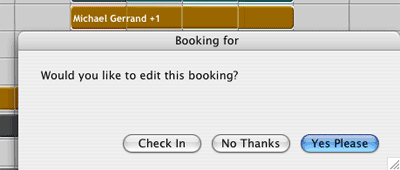
2. Locate the bookingyou wish to confirm and click on it. You
will be asked whether you would like to edit this booking. Choose Yes
Please .
3. You be taken to the record for that booking. Click on the Confirm
Booking button in the top right area.

4. A message asking whether you would like to confirm the booking
will appear.
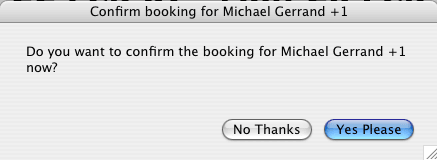
Click Yes Please.
5. A confirmation letter will appear for you to print out or email to the guest.
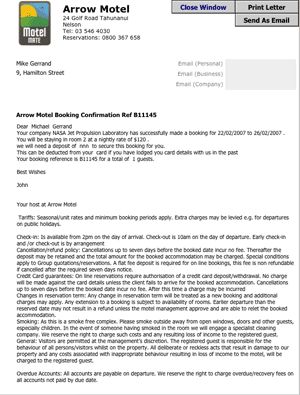
6. The booking status will now read Confirmed.
